Building Publication-Ready Figures: A Walkthrough of the Professional Plotting Notebook
A blog post regarding an open-source notebook designed to combat the tacit knowledge barrier of making professional, CVD-friendly posts. Hosted on GitHub and designed for PHYSDepot.
If you spend hours running simulations or reducing telescope data, your final figures deserve better than default settings. Standard plotting libraries are great for quick exploratory checks, but turning those drafts into publication-ready graphics requires deliberate attention to typography, color theory, and file formats.
Today, I’m releasing a comprehensive, interactive Jupyter Notebook designed to take your Python visualizations from functional to professional, specifically designed to teach early-stage researchers the tacit knowledge of publication-level plotting.
Here is a quick tour of what the notebook covers and how it can upgrade your workflow.
1. Global Styling with rcParams
Instead of tweaking font sizes, line widths, and figure dimensions on every single plot, the notebook shows you how to configure global Matplotlib parameters once.
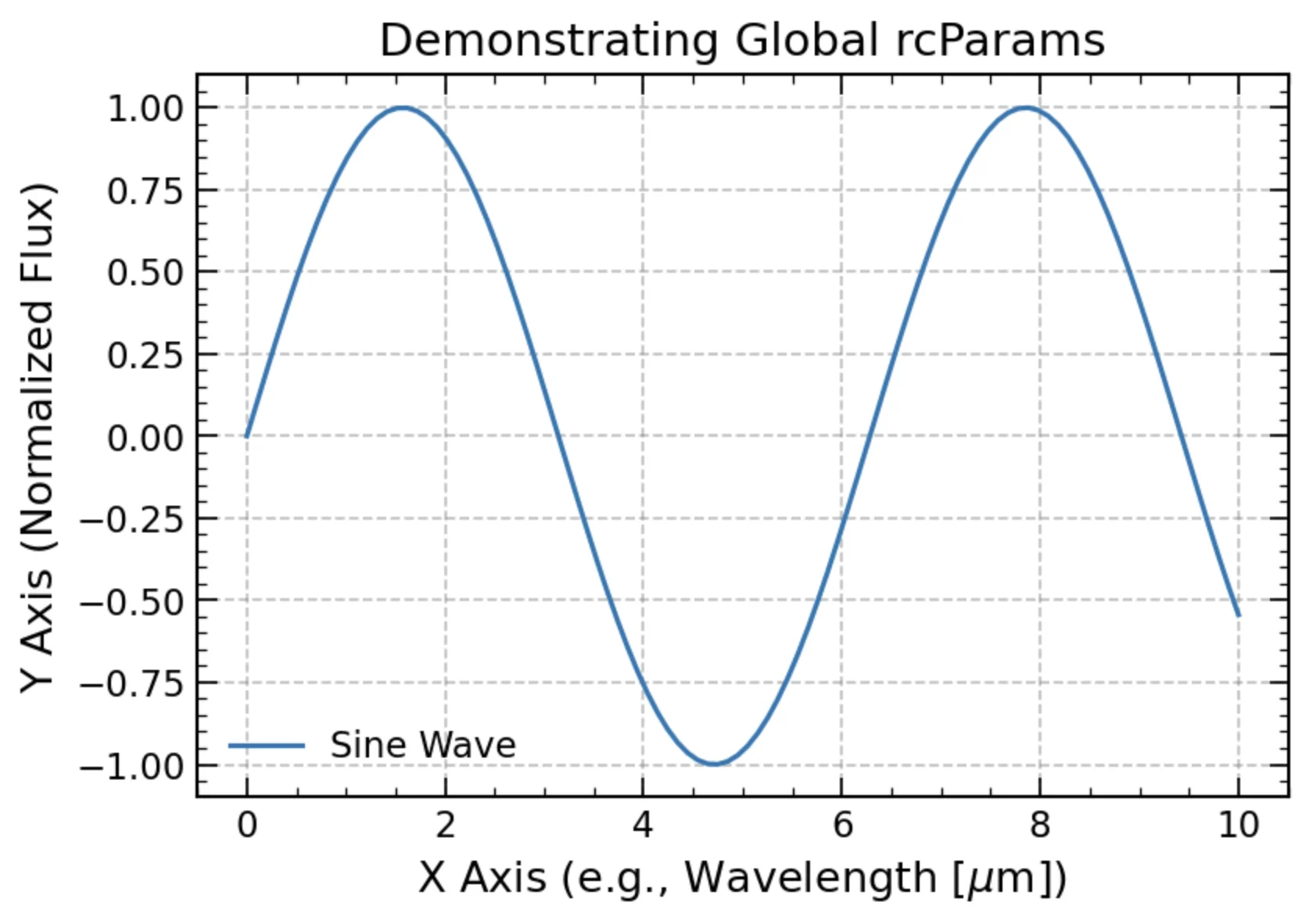
A plot of a clean, globally-styled plot using rcParams instead of the default raw Matplotlib plot.
2. Clean Typography with MathText
Never use raw underscores or poorly formatted text strings in your axis labels again. Using built-in MathText, you can render proper physical units and mathematical variables cleanly.
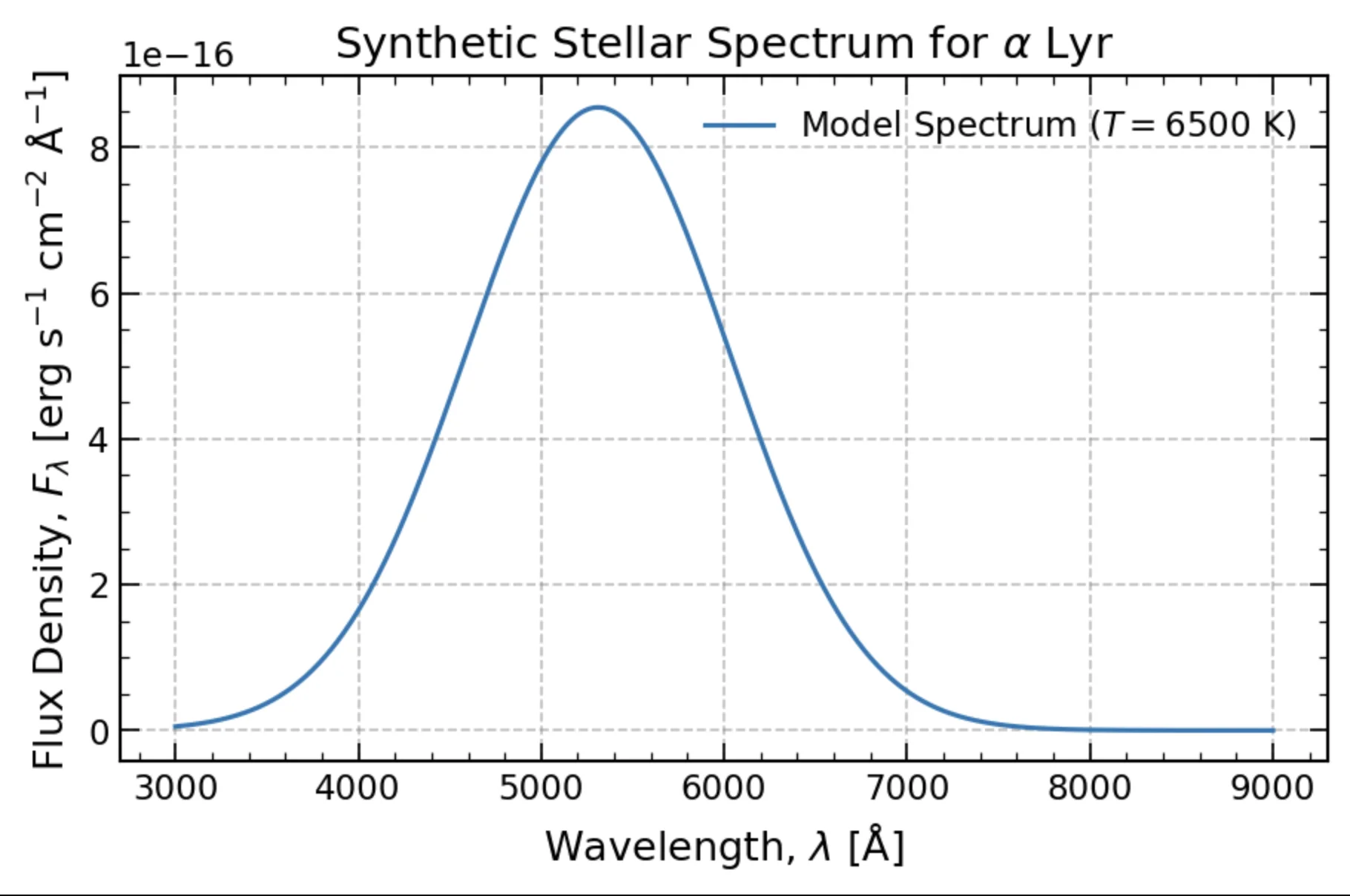
A plot of a simulated flux spectrum, showing MathText’s capabilities in Matplotlib to style things properly with LaTeX, like the axes labels or the figure legend \(T=6500 {\rm K}\) text.
3. Color Accessibility & Perceptual Uniformity
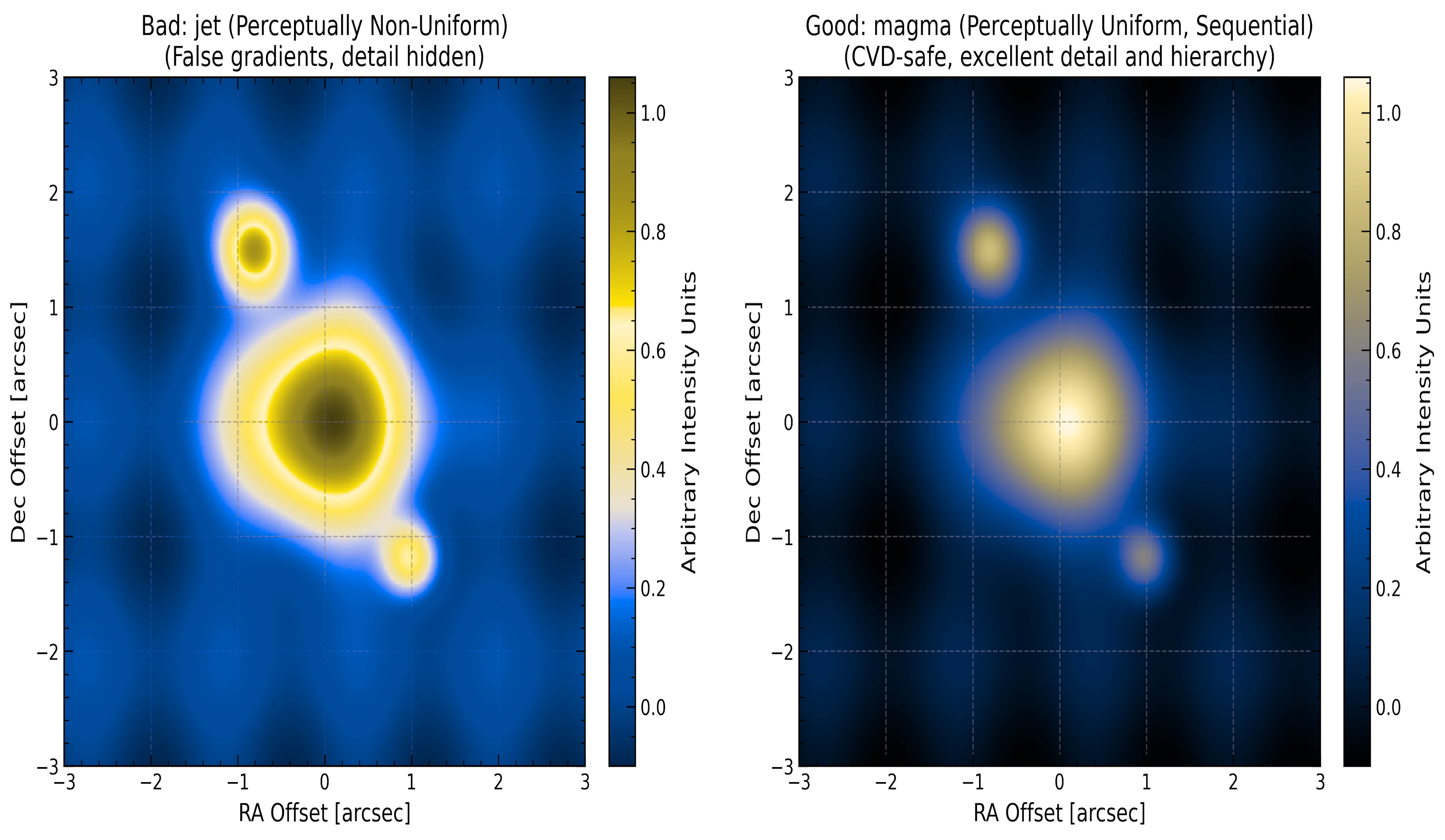
Say goodbye to the notoriously misleading jet colormap. The notebook demonstrates why perceptually uniform, sequential colormaps like magma or viridis prevent false visual artifacts and remain fully accessible for readers with Color Vision Deficiency (CVD).
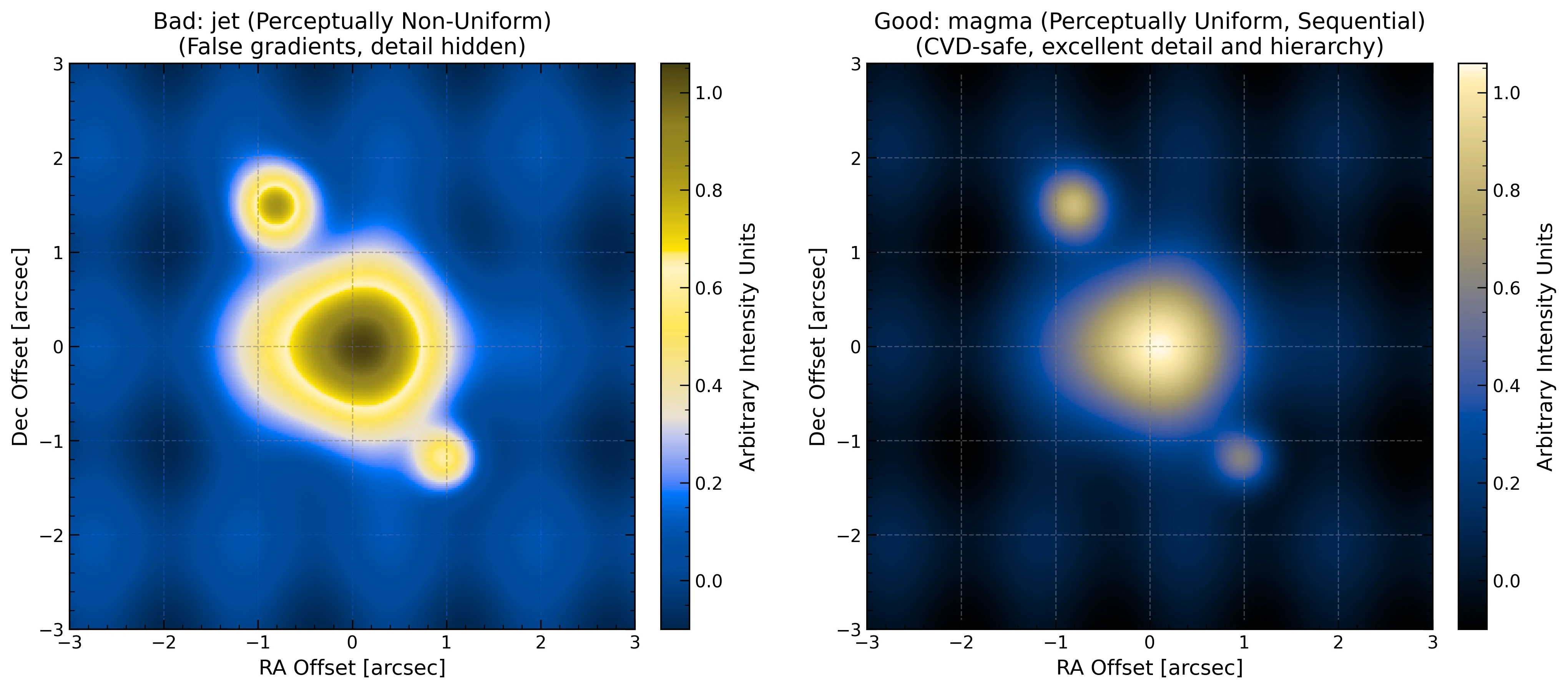
An image of the jet colormap versus magma in a filter of someone with a color vision deficiency. We can see some issues with the jet colormap, like the issues regarding it being perceptually non-uniform, and the ambiguity of the colorbar values for a person with this vision. The magma colormap doesn’t have these issues.
4. Astronomy-Specific and General Multi-Purpose Conventions
We also teach astronomy-specific (and general multi-purpose) conventions that could be used to make plots look more stylized and professional, like broken axes, non-detection markers, multi-panel plots with no space between them, and inverted and secondary axes.
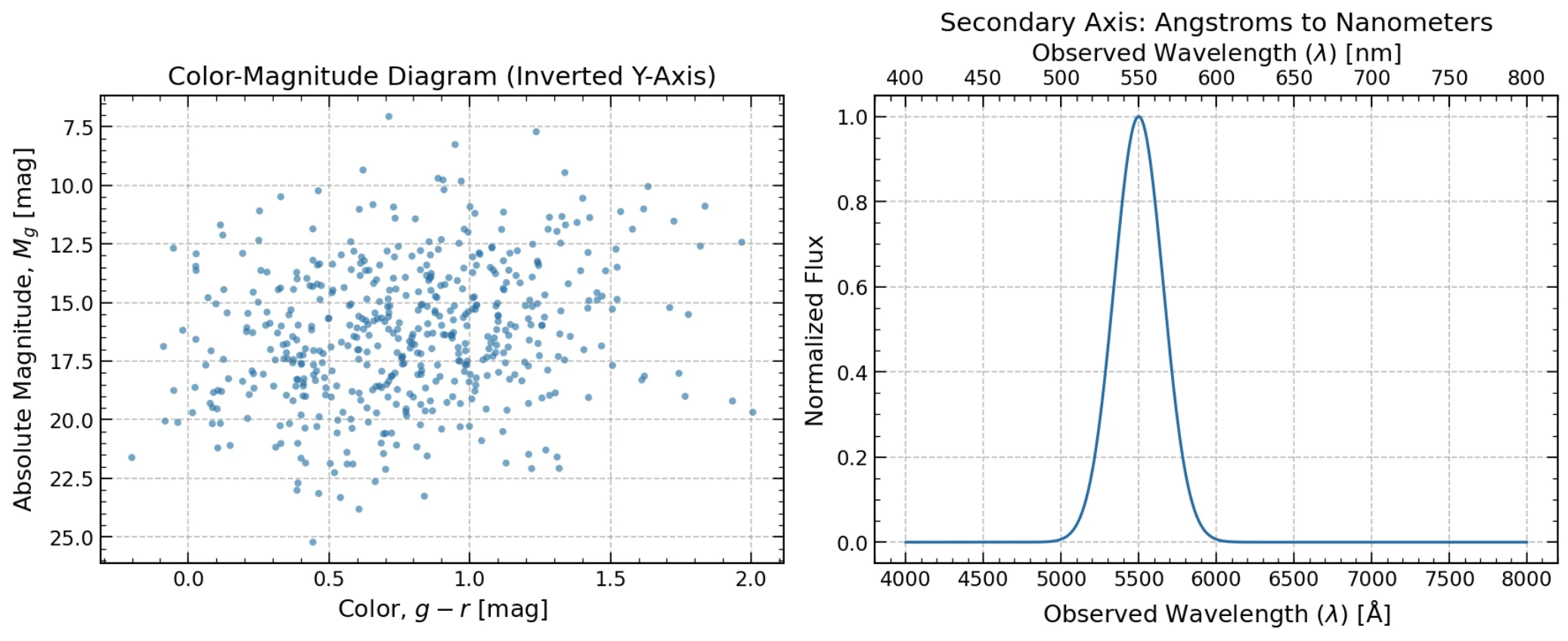
An example of a plot with an inverted axis (left) and a plot with a secondary x-axis (right).
5. Smart Exporting for Journals
When submitting to major journals like ApJ or MNRAS, file format and size matter. This guide covers how to export clean vector PDFs using bbox_inches='tight' and how to use selective rasterization (rasterized=True) to keep heavy scatter plots snappy without crashing PDF readers.
You can grab the full interactive Jupyter Notebook over on PHYSDepot or GitHub.
